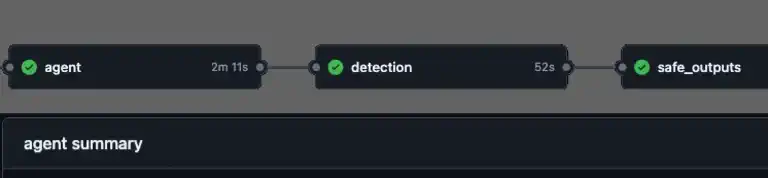
What if your repository could triage issues, investigate CI failures, and update documentation without you? GitHub just launched Agentic Workflows – a new way to automate repository tasks using AI coding agents, all written in plain Markdown. Here’s a look at how they work, what makes the security model interesting if you work with AI, and why you should pay attention.
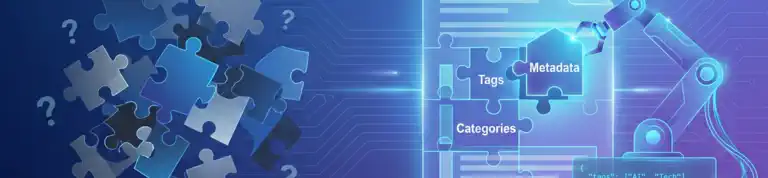
Have you ever watched your AI assistant suggest something completely different from what you expected? Ever had it seem to ignore clear step-by-step directions and do something different? I was frustrated when Copilot kept making inconsistent decisions about my content metadata. After trying custom instructions and task-specific prompts, I finally found the solution: give the AI exactly what it needs. Here’s how I did it.
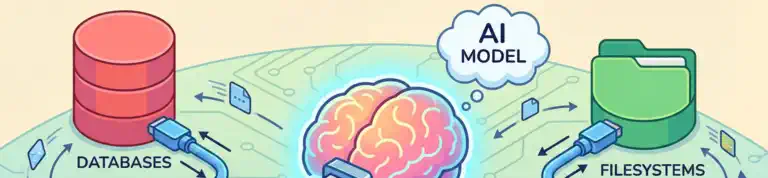
Ever notice how AI assistants are brilliant at reasoning but can’t actually check your database or call your APIs? You end up playing middleman, copying data back and forth. Model Context Protocol (MCP) changes that. It’s an open standard that lets AI assistants connect directly to your data sources and tools while keeping you in control. Let me show you more about what it is, how it works, and why it matters.
Your dotfiles repository already personalizes your development environments, but what if it could do more? What if the same configurations that protect your local machine could secure your CI/CD pipelines? By adding a simple composite action to your dotfiles repo, you can apply security settings and configurations to any GitHub runner – without managing tokens or cloning anything yourself. Let me show you how.
Have you ever needed to attach a build number, test result, or code review comment to a commit after it’s already been pushed? Modifying the commit history isn’t an option—especially if you sign your commits—but Git has a feature designed exactly for this. In this post, I’ll show you how to use Git notes to annotate your commits with extra metadata without breaking your history or invalidating your signatures.
If you’ve ever migrated a repository from Perforce to Git and wondered where all your beautiful branch and integration history went, you’re not alone. I’ve helped teams through this transition, and the migration process always creates this confusion. The issue isn’t a bug in the migration tool. It’s a fundamental difference in how these systems think about branches and history. Let me walk you through why this happens, what it means for your migrations, and why training your team is just as important as the technical migration itself.
As 2025 comes to a close, I’m reflecting on a year of unexpected opportunities, new learnings, and a bit of personal growth. Writing, traveling, and speaking … this year has been a journey of growth and connection. Today I celebrate the many small wins and look forward to what 2026 has in store.
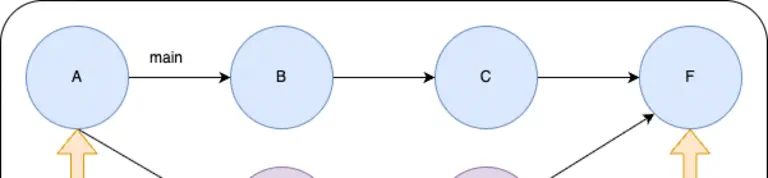
Ever wonder what’s really happening inside that .git folder? Discover how Git’s elegant content-addressable filesystem turns commits, branches, and merges into a simple graph of objects.