Ken Muse
Keep Actions Current with an AI Skill
Is Copilot updating your workflow with an Action version that is already old? Instead of correcting the same recommendation every time, you can turn version selection into a small, repeatable skill. Today I’ll show you how to use a two-step process to design a skill that teaches Copilot how to write up-to-date Actions workflows.

Read this article

Removing the Noise for Better Prompts
Have you ever written a detailed prompt and still gotten an answer that missed the point? A few small habits can make it harder for an AI agent to understand what you want. Let’s look at why that happens and how to make your prompts work more clearly for you.

Read this article

Let Copilot Explain Itself With Chronicle and Troubleshoot
Reading agent logs by hand is slow, and the raw event files are far too big to paste into a chat. VS Code and GitHub Copilot CLI ship built-in skills that do the reading for you. In this post, you’ll learn how both work, why the log folder is deliberately hard for the agent to reach, and what makes selective access such a clever design choice.

Read this article

Sharing with Copilot using Agent Plugins
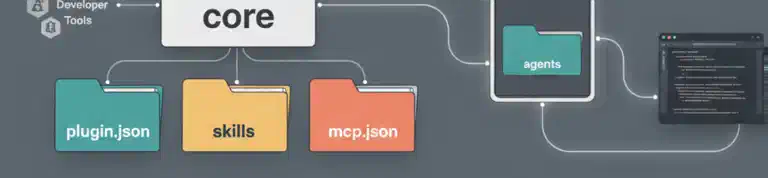
If you’ve built custom Copilot agents, skills, and MCP servers, you may know some of the benefits of using plugins to distribute this content. You may also know how quickly the setup starts to become complicated across AI harnesses. The new Agent Plugins specification gives you a portable core for shared skills and servers while keeping client-specific features in a cleaner, separate namespace. In this post, I walk through the new layout and show how to keep your reusable AI tooling portable without giving up the features that make each client worth using.

Read this article